
Free AI Image Upscaler Enhance to 4K & 16K Online
How to Upscale an Image to 4K or 16K
Upload your image
Upload an image by clicking Upscale image and selecting a JPG, PNG, or HEIC file. On desktop, you can also drag and drop your file anywhere on the screen.
Upscale image automatically
Our AI will automatically analyze and upscale your image to your chosen resolution — 2x, 4x, 8x, or 16x. In seconds, your new high-resolution 4K or 16K image will be ready.
Try creative upscale
After uploading your image, try Creative Upscale to explore a more artistic result. Fine-tune the creativity and resemblance levels and let the AI do the rest.
Download your upscaled image
Download your new enhanced image for free. Share it online, add it to your next project, or refine it further in our editor.
AI Image Upscaler with Crystal Clear Results
AI upscaling enlarges a photo while adding real detail, instead of just stretching pixels. Our AI specializes in transforming blurry, low-quality images into crystal-clear masterpieces. Using advanced neural networks, we restore lost details, sharpen edges, and enhance overall image clarity. Unlike simple upscaling, our technology focuses on making every detail sharp and visible. Start free with 10 monthly credits, no credit card required.
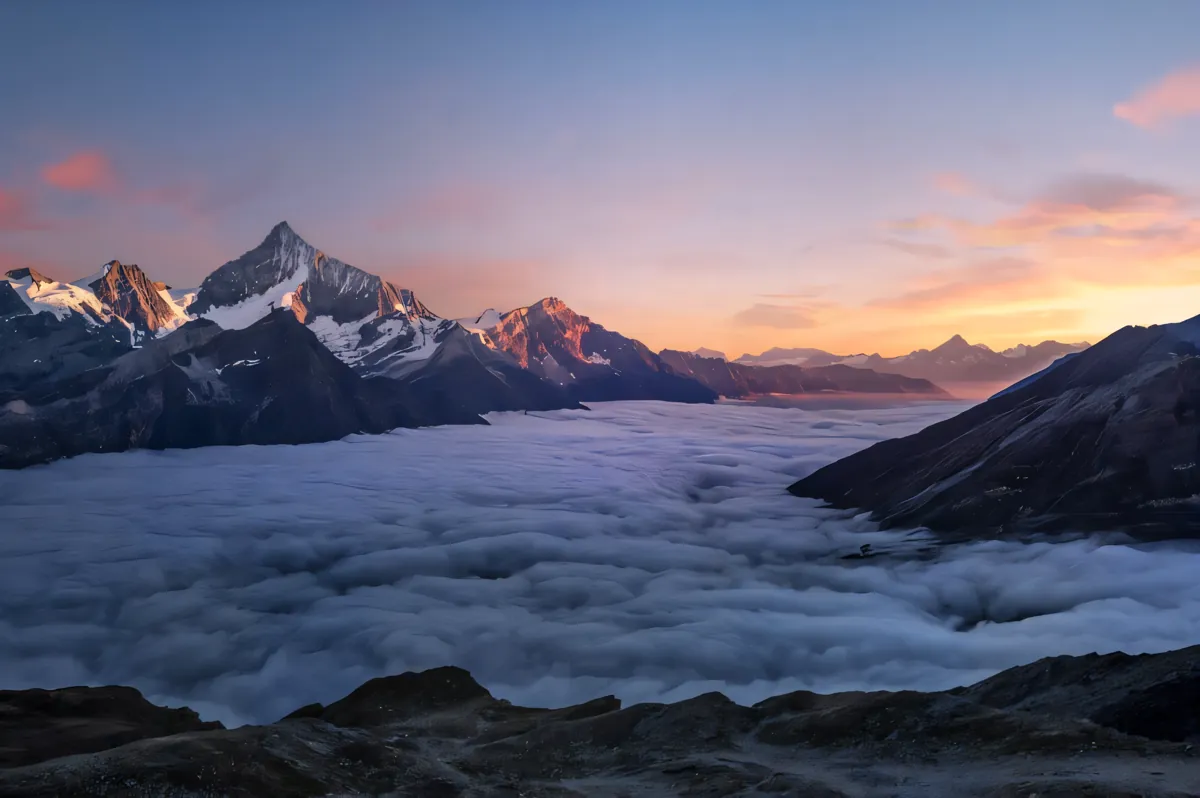
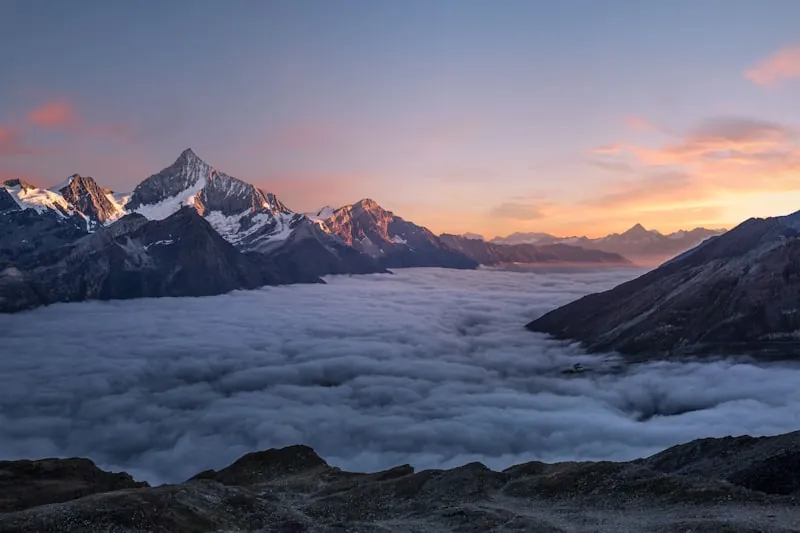
Can You Upscale an Image to 4K, 8K, or 16K?
Yes — Monipix upscales images from 2x up to 16x: perfect 4K output for web and social, stunning 8K for professional prints, and ultra-sharp 16K for large displays. Whether fixing a blurry selfie or restoring an old family photo, our AI recovers details you thought were lost forever. Each pixel is intelligently enhanced to reveal hidden details, textures, and sharpness that standard resizing can't achieve.
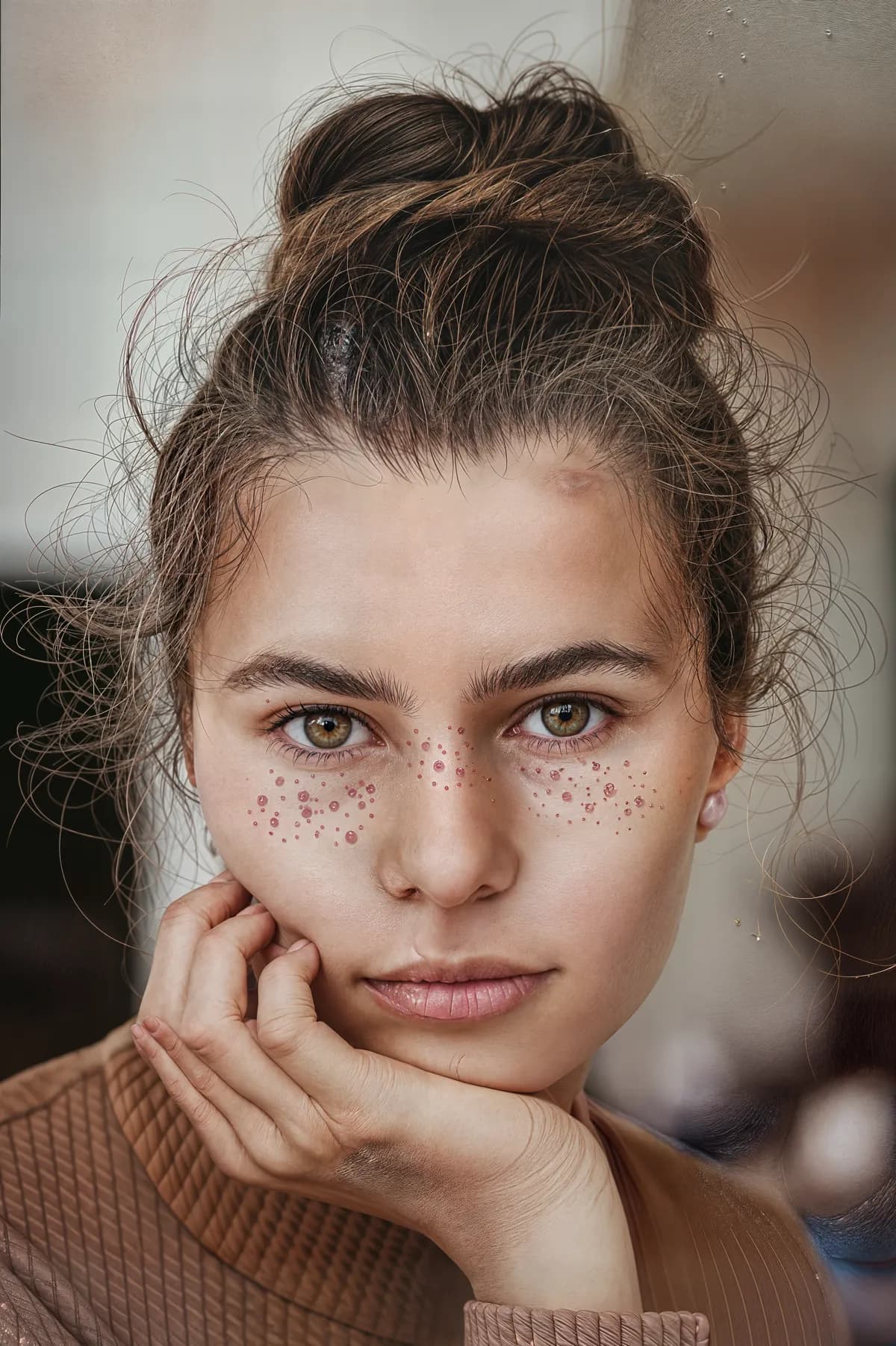
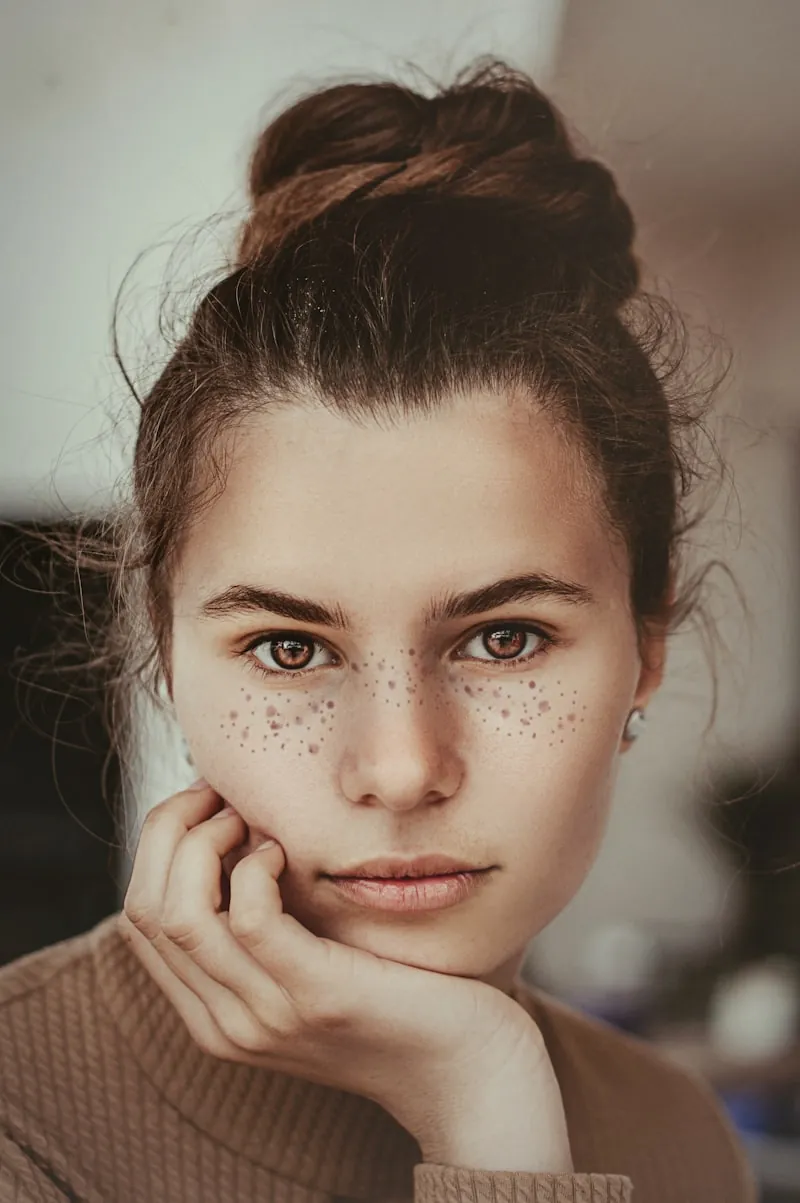
Start Free - Transform Blur to Brilliance
Begin making your photos crystal clear with 10 free credits every month. No credit card, no hidden fees, no commitments. Perfect for fixing blurry photos, enhancing old images, or improving photo clarity. When you're ready for more, paid plans start at $19.90/month with 600 credits. Experience a professional-grade photo enhancer, risk-free.
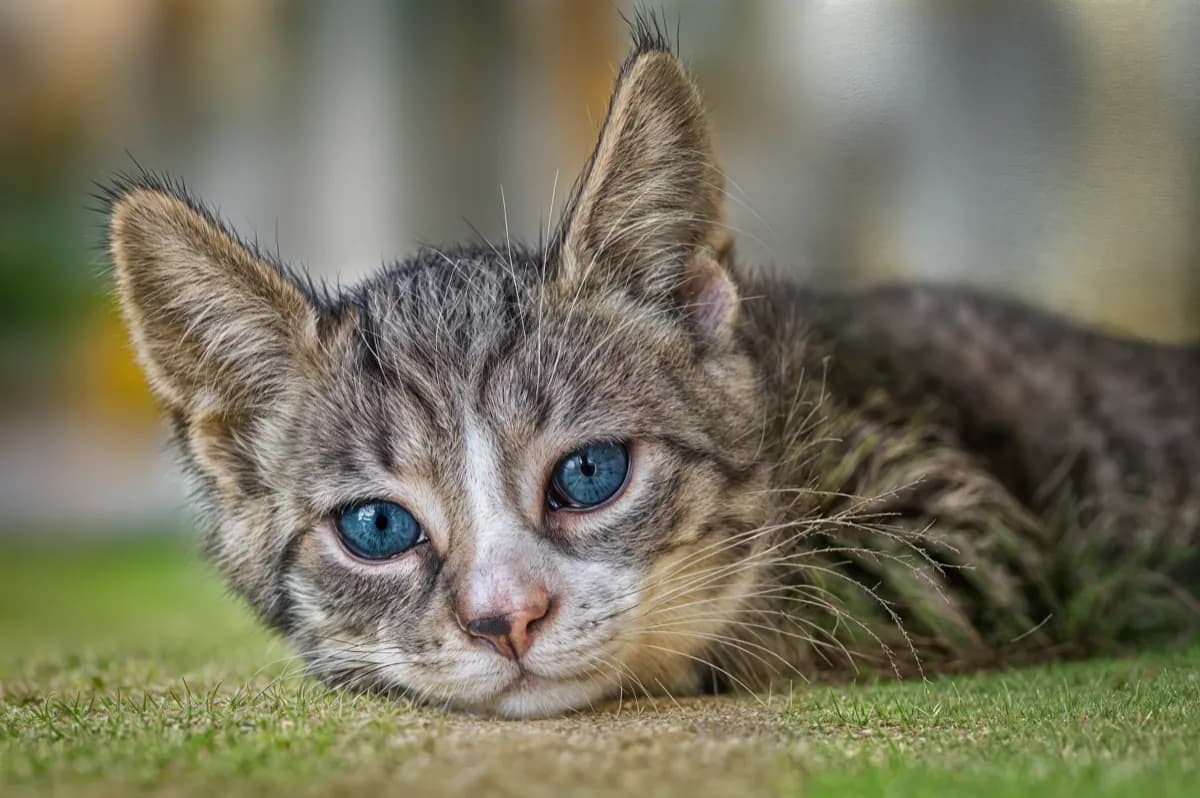
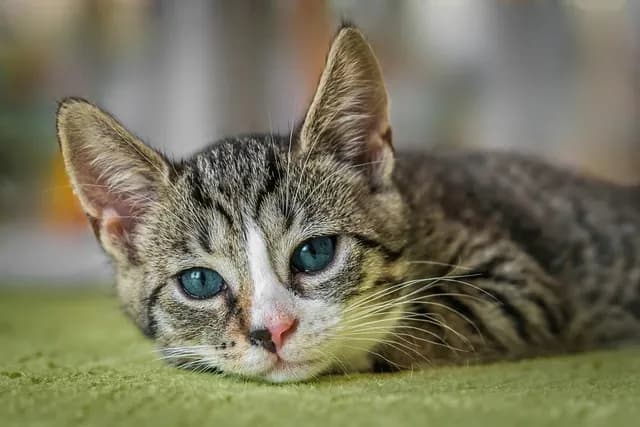
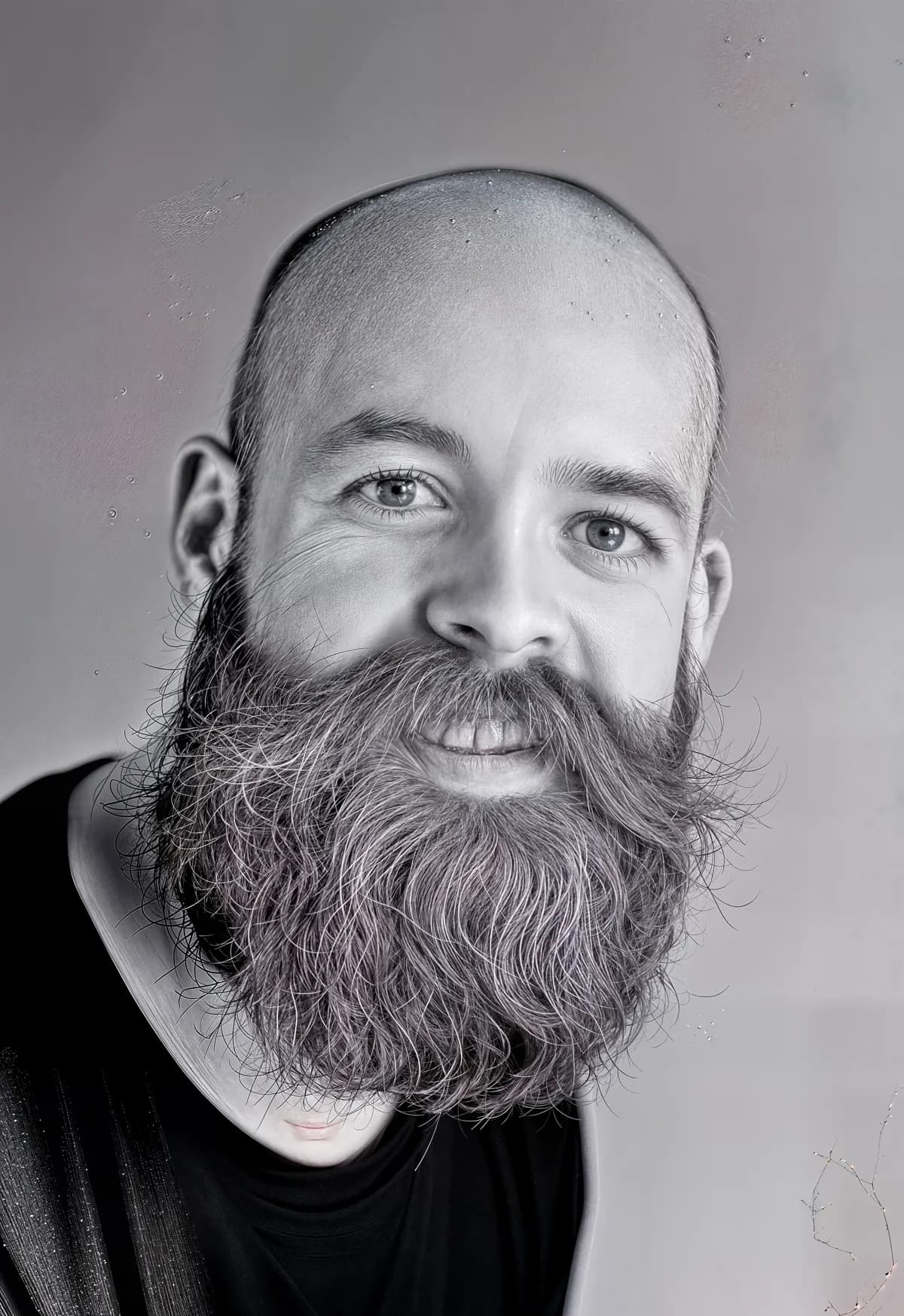
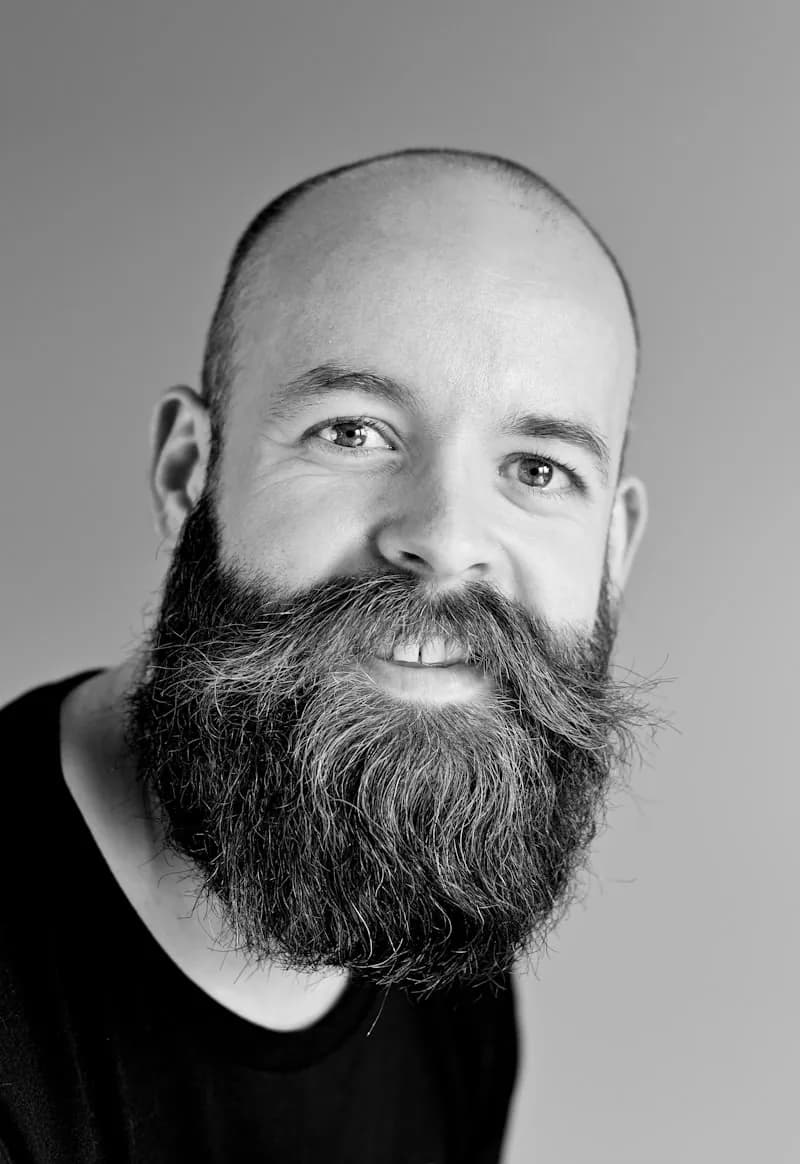
Portrait Image Upscaler - Every Feature Crystal Clear
Make portraits sharp and detailed with our specialized portrait image upscaler. Our AI precisely sharpens facial features, eyes, and fine details while maintaining natural skin tones. Perfect for fixing slightly out-of-focus portraits, enhancing old family photos, or creating crystal-clear professional headshots.
Landscape Image Upscaler - Reveal Hidden Details
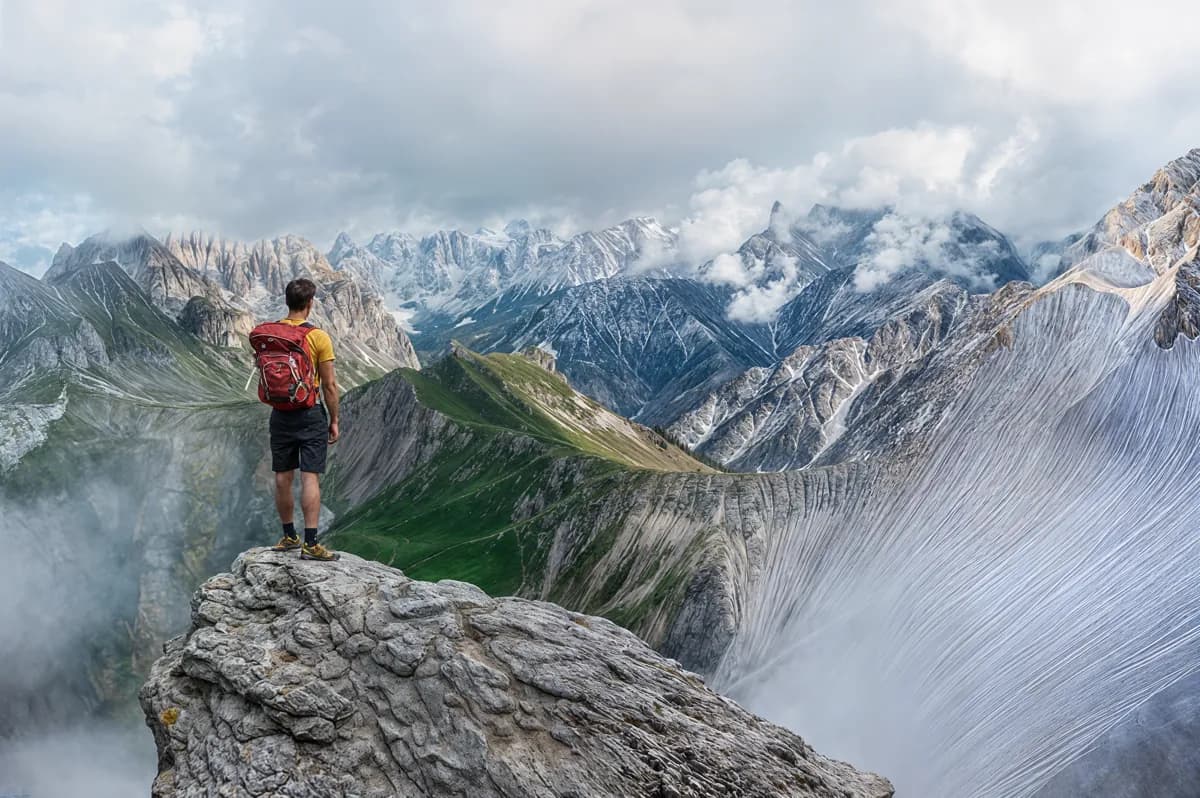
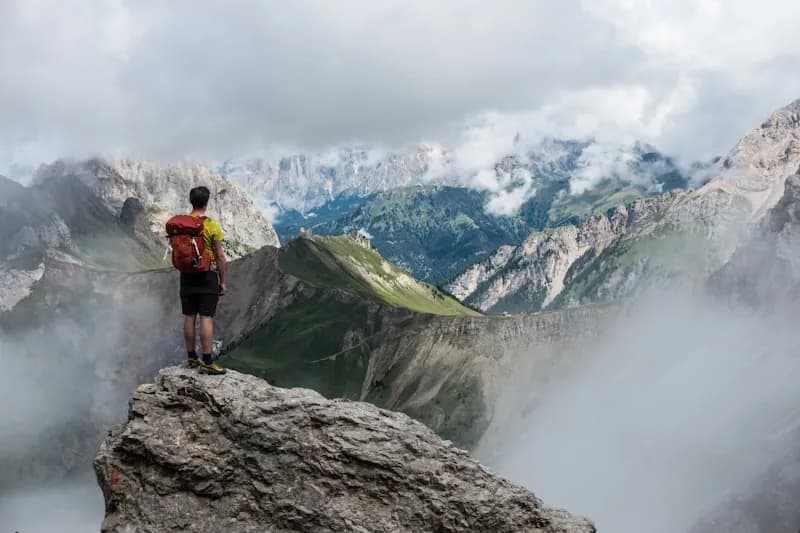
Transform hazy or soft landscape photos into crystal-clear vistas. Our AI technology sharpens distant mountains, enhances texture details in foliage, and brings clarity to architectural elements. Whether fixing atmospheric haze or camera blur, achieve stunning clarity that reveals every detail in your scenic photos.
How Do People Use an AI Image Upscaler?
Improve product photos
Give your e-commerce listings a professional look by enhancing image clarity and resolution.
Restore old photos
Breathe new life into old family photos by removing noise and sharpening faded details.
Create digital-ready content
Upscale low-res images to look crisp on social media, PowerPoints, or any website.
Prepare images for print
Enhance images for posters, flyers, ads, or portfolios by upscaling them to 4K or 16K resolution.
Which upscale factor should you choose?
Every factor multiplies both dimensions of your image. Pick based on where the result will be used — you can always re-run with a higher factor.
| Factor | 1000×1000 becomes | Best for | Credits |
|---|---|---|---|
| 2x | 2000×2000 (2K) | Web pages, social media posts, chat avatars | 1 |
| 4x | 4000×4000 (≈4K) | Wallpapers, e-commerce product photos, presentations | 1 |
| 8x | 8000×8000 (≈8K) | Photo prints, magazine pages, framed art | 1 |
| 16x | 16000×16000 (16K) | Posters, banners, large-format printing, heavy cropping | 1 |
Every upscale costs 1 credit at any factor.
Sources: Adobe — Image size and resolution · ITU-R BT.2020 (4K/8K UHD standard)
Image Upscaler FAQ
What is an AI image upscaler and how is it different from traditional resizing?
An AI image upscaler uses neural networks to intelligently add new pixels when enlarging an image, predicting what details should exist at higher resolutions. Unlike traditional resizing (which simply stretches pixels and creates blur), AI upscaling generates realistic textures, sharpens edges, and recovers fine details. The result is a larger image that looks naturally high-resolution rather than blurry or pixelated.
How does AI upscaling and color enhancement work?
Our photo enhancer analyzes your image, enhances color depth and vibrancy, then intelligently scales it from 2x to 16x based on your choice. It restores faded tones, reduces noise, and preserves fine details — especially effective for old photos or images with dull colors. Simply upload, select your scale, and get results in seconds.
What scaling options are available (1080p, 4K, 8K, 16K)?
Choose from 2x, 4x, 8x, or 16x scaling. 2x is ideal for web and 1080p, 4x for social media and 4K, 8x for standard prints, and 16x for large-format displays and ultra-high 16K resolution. Each option includes AI color enhancement for vibrant, crystal-clear results. Professional plan unlocks up to 16x scaling.
What's the maximum resolution I can upscale an image to?
You can upscale up to 16x, which takes a 1000×1000 pixel image to 16000×16000 — well beyond 8K. Free accounts can upscale up to 4x; any paid plan or credit pack unlocks 8x and 16x.
How large should my source image be to get a sharp 4K result?
For true 4K output (3840 pixels on the long edge), a source of about 1000 pixels works well with 4x upscaling. Smaller sources still work — the AI reconstructs detail — but starting above 500 pixels gives noticeably cleaner results.
What resolution do I need for printing?
Print needs about 300 DPI: an 8×10 inch print requires roughly 2400×3000 pixels, and an A2 poster around 5000×7000. Upscale at 4x for standard prints and 8x or 16x for posters and large-format printing.
Will upscaling improve image quality without losing details?
Yes! Our advanced AI doesn't just increase resolution — it enhances details, sharpens edges, reduces noise, and improves overall quality. Unlike simple resizing that creates blur, our neural networks are designed to preserve and enhance image quality throughout the upscaling process.
Is it free? How do credits work?
You get 10 free credits every month — no credit card required, no trial expiration, no hidden fees. Free credits reset monthly and don't roll over. Need more? Upgrade to Starter ($19.90/mo, 600 credits), Professional ($39.90/mo, 1,800 credits), or Premium ($69.90/mo, 3,600 credits) anytime — or buy a one-time credit pack that never expires. Cancel anytime with no commitment.
What image formats and devices are supported?
We support JPG, PNG, HEIC, and WebP formats for both input and output. Our web-based tool works on all devices — desktop, tablet, and mobile browsers — with full functionality and no app download required.
Can I upscale anime, cartoon, or AI-generated images?
Absolutely! Our AI handles anime, cartoon, manga, and AI-generated images with excellent results. It preserves clean lines, flat colors, and stylistic details unique to illustrated content. Whether you're enhancing Midjourney outputs, anime screenshots, or digital art, our tool maintains the artistic style while increasing resolution up to 16x.
Can I use upscaled images commercially?
Yes! All enhanced images are yours to use for any purpose, including commercial projects like marketing, e-commerce, print, and portfolios. This applies to all plans, including the free tier — as long as you have the rights to the original image.
Format reference: MDN — Image file type and format guide